
Swim England Membership System Launch

Please note some important dates regarding the upcoming change to the Swim England membership system.

Swim England’s current membership system, OMS (Online Membership System), will be unavailable from Friday 9 October 2026 as work takes place to transition to the new membership platform.

During this period, clubs will not have access to OMS, so it will not be possible to carry out membership or affiliation-related activity through the system. The new Swim England membership system is scheduled to launch on Tuesday 20 October 2026.

Key dates

📅 9 October 2026 – OMS becomes unavailable

🔄 9–19 October 2026 – System transition period; no access to OMS

🚀 20 October 2026 – New membership system launches

With the system unavailable for around 10 days, clubs are encouraged to plan ahead and complete any essential membership or affiliation activity before 9 October, where possible.

Other Swim England systems, including the Affiliation Portal, Know Your People and the Institute of Swimming, will remain available during this period.

Further information and guidance about the new system will be shared by Swim England as it becomes available.

Please make sure your club is prepared for the change and keep an eye out for further communications from Swim England
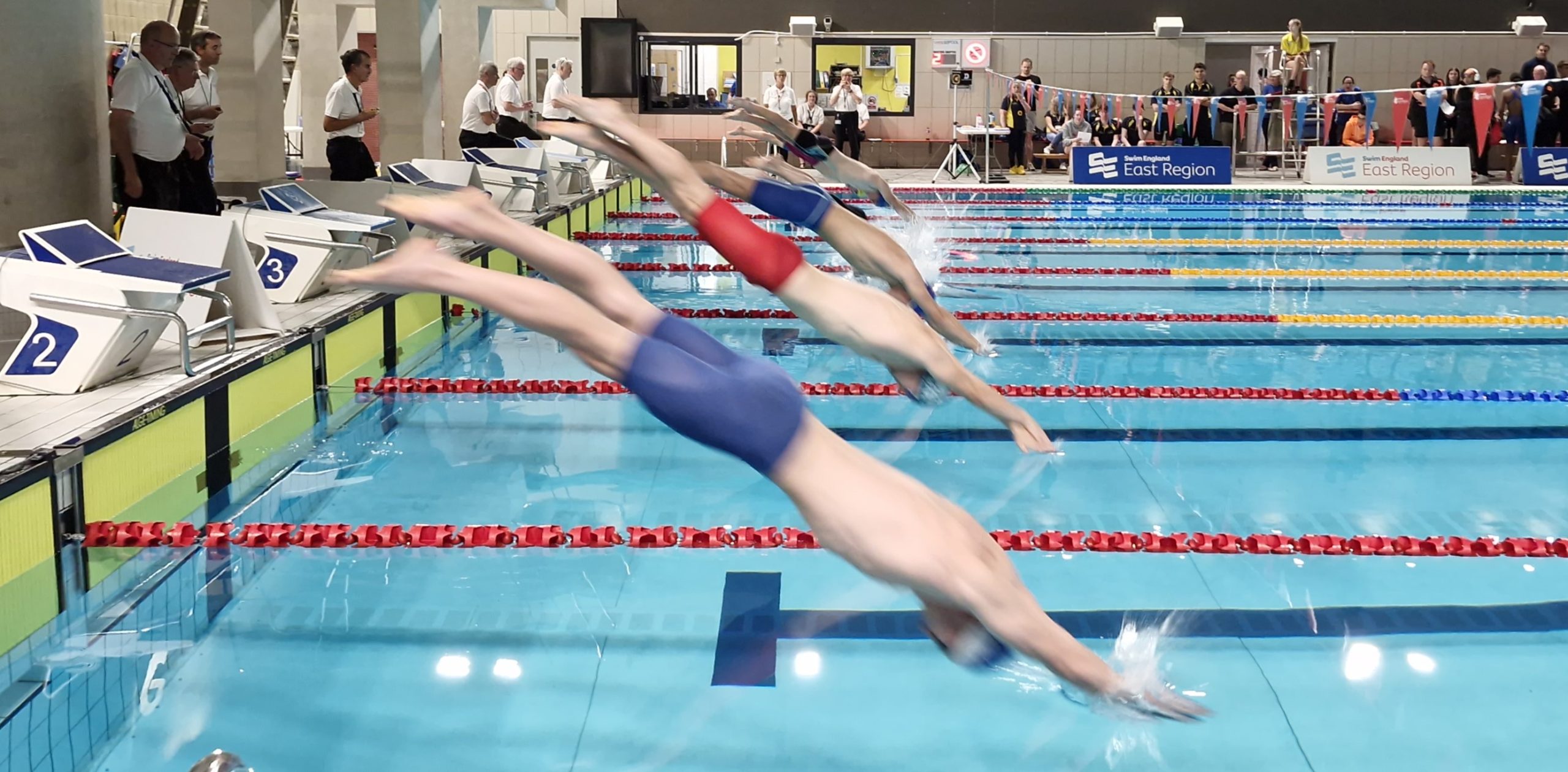
Entries Open for the 2026 Short Course Championships

Entries have opened for the Short Course Swimming Championships.

The conditions and qualification times for the meet are on the Swimming Competitions page which can be found here.

Para Entries have a dedicated entry page here and Para Swimmers should enter via that page rather than the main online system even if they are fast enough for the non Para times as that way we can ensure they are correctly identified. There are some combinations of events and classifications that do not have Para times meaning Para swimmers can enter if they have achieved the time for non Para swimmers and the entry method allows for that, there is no need to do two entries.

Entries will close at midnight on 27th October. Clubs holding meets on the weekend prior to the close date are asked to submit results to rankings promptly so that they can be used to enter by the closing date.

The main entry system can be found here.

The link for Technical Officials and Volunteers to sign up is here.

To make an individual entry

Select your club from the drop down list and click on the enter button. Then click on the membership number against your name. If a swimmer does not appear on the club list check that the swimmer is a Club Compete member. If they are not then the club will need to upgrade the membership in order for them to appear on the list. All your times will be shown with those that qualify you for entry already ticked.  Untick any you do not wish to enter and then click on the Add to the entry list button. On the next screen either click to Add more or edit selection or Finished – submit entries.

The time shown on the first entry is the one that will be used, improved times will not be accepted. You therefore need to delay entry until the system shows the time you want to enter with. If a swimmer qualifies for a new event having entered others the event can be added by doing a new entry. 

The system checks whether you have already entered an event and if so will not show a tick box for that event to prevent a further entry being made. 

If you click on Add more you will go back to the club selection page so follow the instructions above. To amend your entry just select your club and yourself. To enter another swimmer select the club and that swimmer.

If you click on Finished – submit entries. you will go to a new screen that allows you to enter some contact, complete that and click on Submit and pay which will take you to a Paypal screen. Entries will only be submitted once a Paypal payment is made.

To make a Relay entry

Click on the Relay Team Entry icon. Select your club from the drop down list of clubs. Enter the time to be used for the entry six numbers are required. For example a time of four minutes, 5.11 seconds would be entered as 040511 Then click on the Submit button. At the next screen you can click on Change Entry which will take you back to the screen where you select your club.

If you click on Finished – submit entries. you will go to a new screen that allows you to enter some contact, complete that and click on Submit and pay which will take you to a Paypal screen. Entries will only be submitted once a Paypal payment is made.

If you want to add a second or third Relay Team then simply click in the Relay Team Entry icon again and follow the process again. When we process the entries for clubs with more than one team we will name the fastest team A, the next fastest B and the third one C.